ICICIBANK26SEP1320PE
+400.0%
₹4.15 at the signal on 25 Sep 2026 → ₹20.75 high on 28 Sep 2026
Automatic NSE options trading
Dhantrade’s predictive rule engine scores trend, breakout, volume and option confirmation during market hours. When the rules agree, it selects the contract and manages the entry and exit automatically—without human action between signal and close.
Automatic from confirmed signal to exit. Real orders remain locked until the broker is connected.
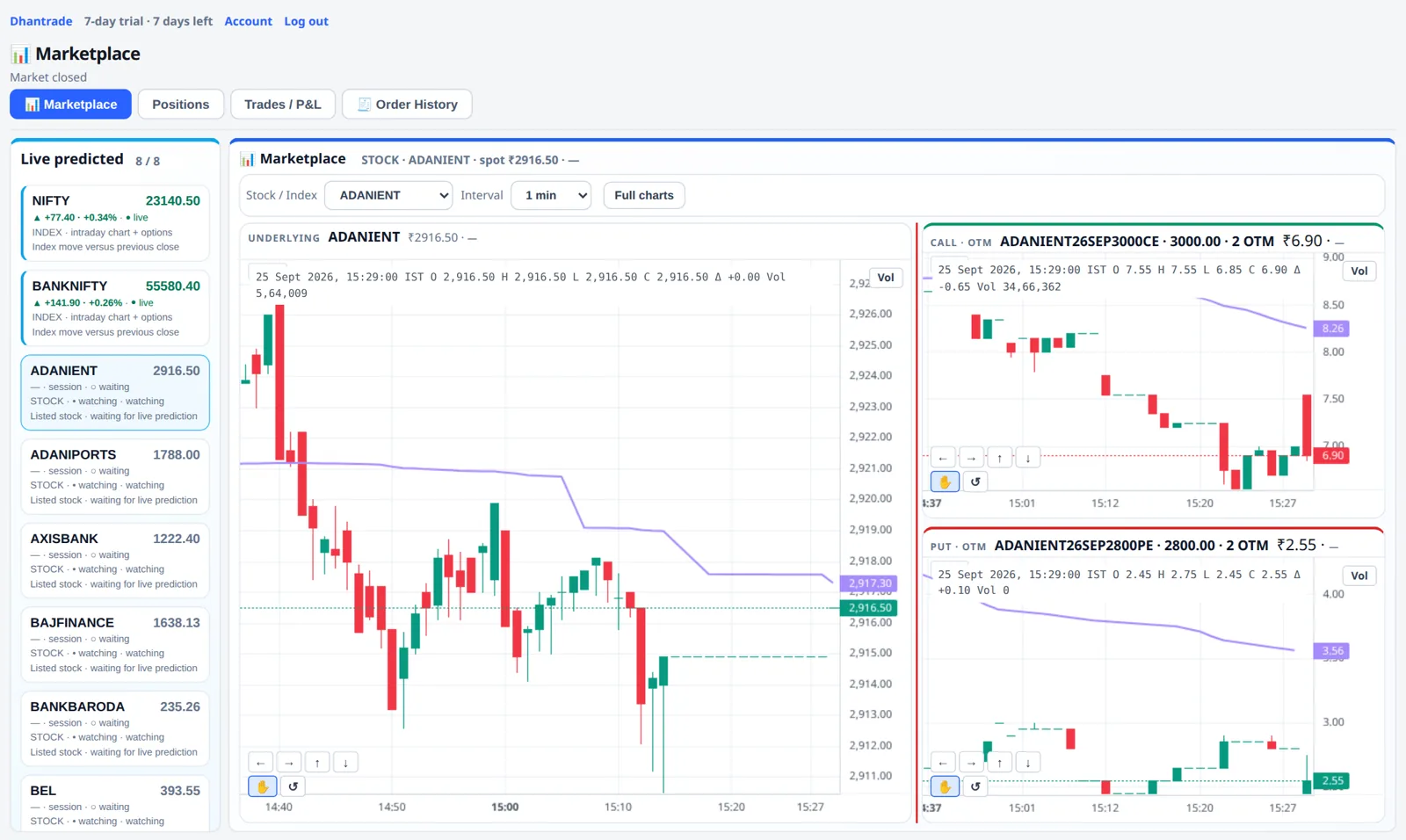
Saved snapshot, 02 Sep 2026 to 28 Sep 2026. Not the live book. Median close next session was −10.0%, which is why the exit rules matter more than the entry.
Predictive automation
The engine evaluates trend, breakout, volume, candle direction and option momentum continuously. Once those checks agree, contract selection and exit management run automatically.
Saved snapshot of 69 signals over 11 sessions, 02 Sep 2026 to 28 Sep 2026. This page does not update from the live book. Outcomes are not guaranteed.
The record · 69 signals · 11 sessions · 02 Sep 2026 to 28 Sep 2026
Saved snapshot, not the live book. Every contract the engine suggested, checked against the next completed session. Nothing is removed except obvious bad price prints. These figures stay on the page and do not update from today's trades.
What that means on a ₹1,00,000 trade
The median contract was worth +₹21,053 at its best, and −₹10,000 if you simply held to the close.
The gap between those two numbers is why exits here are rules, not decisions: trailing stops, profit locks, and the reversal exit sell while the move is still there.
ICICIBANK26SEP1320PE
+400.0%
₹4.15 at the signal on 25 Sep 2026 → ₹20.75 high on 28 Sep 2026
PREMIERENE26SEP900PE
+280.3%
₹7.10 at the signal on 15 Sep 2026 → ₹27.00 high on 16 Sep 2026
RELIANCE26SEP1210PE
+275.6%
₹3.90 at the signal on 25 Sep 2026 → ₹14.65 high on 28 Sep 2026
| Signal day | Contract | Signal price | Next-session best | Next-session close |
|---|---|---|---|---|
| 28 Sep 2026 | SUZLON PE SUZLON26SEP41PE | ₹1.44 | +46.5% | +0.7% |
| 28 Sep 2026 | SHRIRAMFIN PE SHRIRAMFIN26SEP1000PE | ₹30.50 | +10.7% | −20.2% |
| 28 Sep 2026 | SBIN PE SBIN26SEP970PE | ₹11.75 | +63.8% | −14.9% |
| 28 Sep 2026 | RELIANCE PE RELIANCE26SEP1210PE | ₹10.40 | +170.2% | +127.4% |
| 28 Sep 2026 | INFY PE INFY26SEP980PE | ₹2.00 | −45.0% | −97.5% |
| 28 Sep 2026 | INDUSINDBK PE INDUSINDBK26SEP880PE | ₹3.05 | −55.7% | −98.4% |
| 28 Sep 2026 | ICICIBANK PE ICICIBANK26SEP1290PE | ₹3.50 | +47.1% | −98.6% |
| 28 Sep 2026 | CANBK PE CANBK26SEP122.5PE | ₹2.32 | +100.4% | +21.6% |
New futures · same cards as the index record
NIFTY, BANKNIFTY, and the single-stock future are marked to 90% of the move in the underlying. The other 10% is the basis buffer. This is the marking rule, shown the same way as the index record above. It is not a profit record, and it does not read the live book.
What that means on a ₹1,00,000 index move
The future keeps +₹90,000 of a rise, and −₹90,000 of a fall. ₹10,000 stays in the basis buffer either way.
The option record above can run far past the stock, and it can also finish near zero. A future stays tied to 90% of the same underlying change, up or down.
Index change
+90 pts
The future keeps 90%. 10 points stay in the basis buffer.
Index change
+180 pts
Same 90% rule as NIFTY. 20 points stay in the basis buffer.
Underlying change
−1.80%
A falling stock marks the future at 90% of that fall, not the full move.
| Future | Underlying change | Future keeps | Basis buffer |
|---|---|---|---|
| NIFTY | +100 pts | +90 pts | 10 pts |
| NIFTY | −80 pts | −72 pts | 8 pts |
| BANKNIFTY | +250 pts | +225 pts | 25 pts |
| BANKNIFTY | −150 pts | −135 pts | 15 pts |
| Stock future | +2.00% | +1.80% | 0.20% |
| Stock future | −1.20% | −1.08% | 0.12% |
Automatic, not reckless
Automation removes the manual analysis. It does not remove market risk, so the engine stops itself when the day goes wrong. Every limit is a number you set once and never have to remember in the moment.
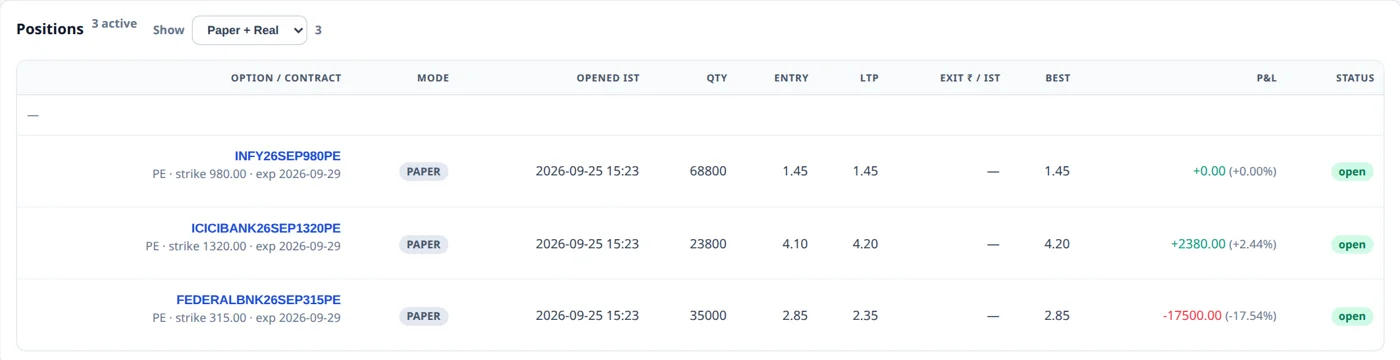
New entries stop once the day's loss reaches your rupee limit.
A run of consecutive losing trades pauses entries for the rest of the day.
Reach the day's target and the engine protects it instead of trading it back.
A hard ceiling on trades per day stops over-trading on a choppy session.
Every contract is sized to a fixed rupee budget, never a guess.
Only a set number of positions can be open at once.
If the stock moves against the trade by a set percent for a set time, the option is sold. The same stock is blocked for 30 minutes.
A failed or refused entry waits before it tries again, so one bad quote does not fire a burst of orders.
Terms
Every new account gets one month free, starting at signup. A paid term starts when the desk confirms it, and it is added onto any days you still have. When a license ends, the marketplace stays on screen in shadow until you subscribe again.
On signup, no card
Short renewal
Month license
Quarter license
One month free, no card, a live timeline from the first minute.